

本课程由3D艺术家安娜主讲,通过四个紧密衔接的模块系统传授Blender核心技能:从软件基础与建模着色入门,到高阶硬表面建模与PBR纹理制作,再到着色器节点树构建与动画原理实践,最终整合几何节点与动画工具完成电影级短片创作。课程以“经典路径”为框架,涵盖节点操作、模型构建、材质渲染及角色动画全流程,适合初学者至进阶用户,助力系统掌握Blender从基础到专业的完整创作能力。
课程时长:41.5小时 1920X1080 mp4 语言:日语+中英文字幕 含课程文件
The Classic Path to Mastering Blender Nodes: A Skill Set in 4 Steps
3D Artist Anna.
Join Node Master Anna in the Blender Textbook Series. Among the many Blender courses, this is the one closest to the “classic” path! From beginner level to completing advanced node projects, master the core skill set that every Blender user needs in one go. World-renowned 3D artist Anna provides a step-by-step roadmap that covers Blender from start to finish. Don’t worry if you’re a beginner who often struggles with complex 3D and nodes! We’ll start from the basics of 3D and systematically learn node trees and operations. Furthermore, you’ll complete a high-quality animation based on Geometry Nodes. Anna’s course delivers the Blender textbook you need to advance toward your own creative 3D artwork.
Key Points of This Course
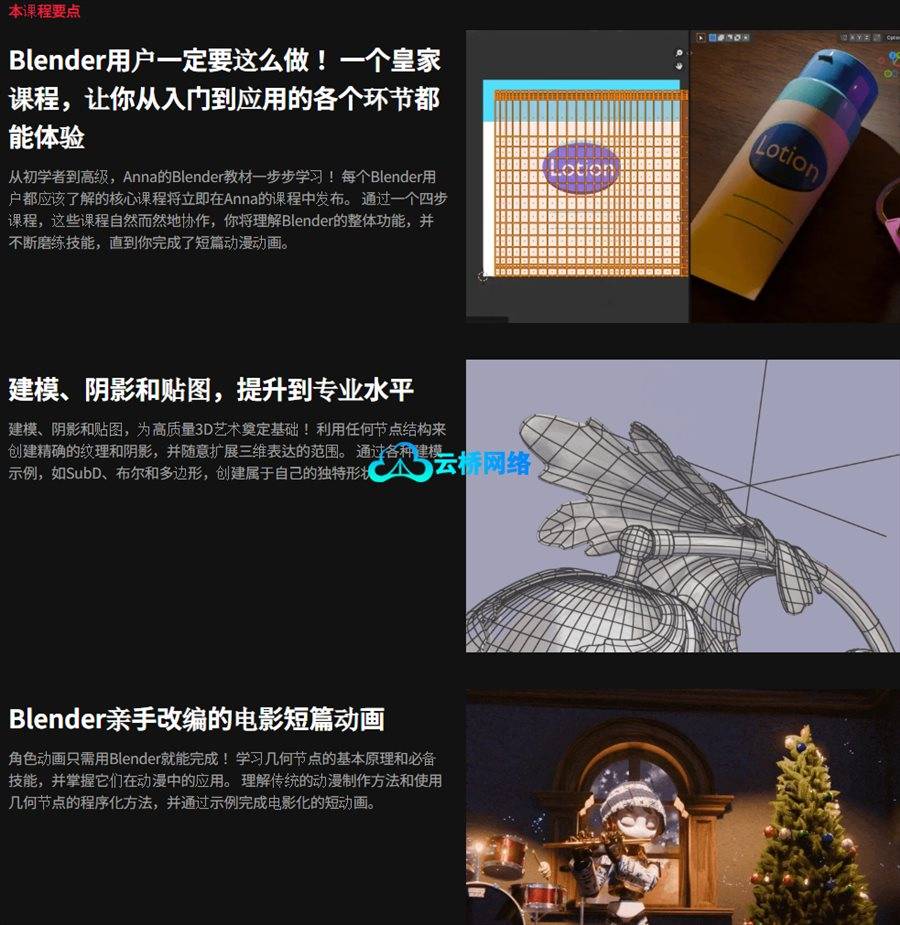
A Must for Blender Users! The Classic Curriculum from Introduction to Application
Anna’s Blender textbook for everyone from beginners to advanced learners, step by step! Anna’s course reveals at once the core curriculum every Blender user should know. Through four organically linked course steps, understand Blender’s overall functionality and hone your skills until you can complete a short animation.
Modeling, Shading & Texturing to Level Up to Expert
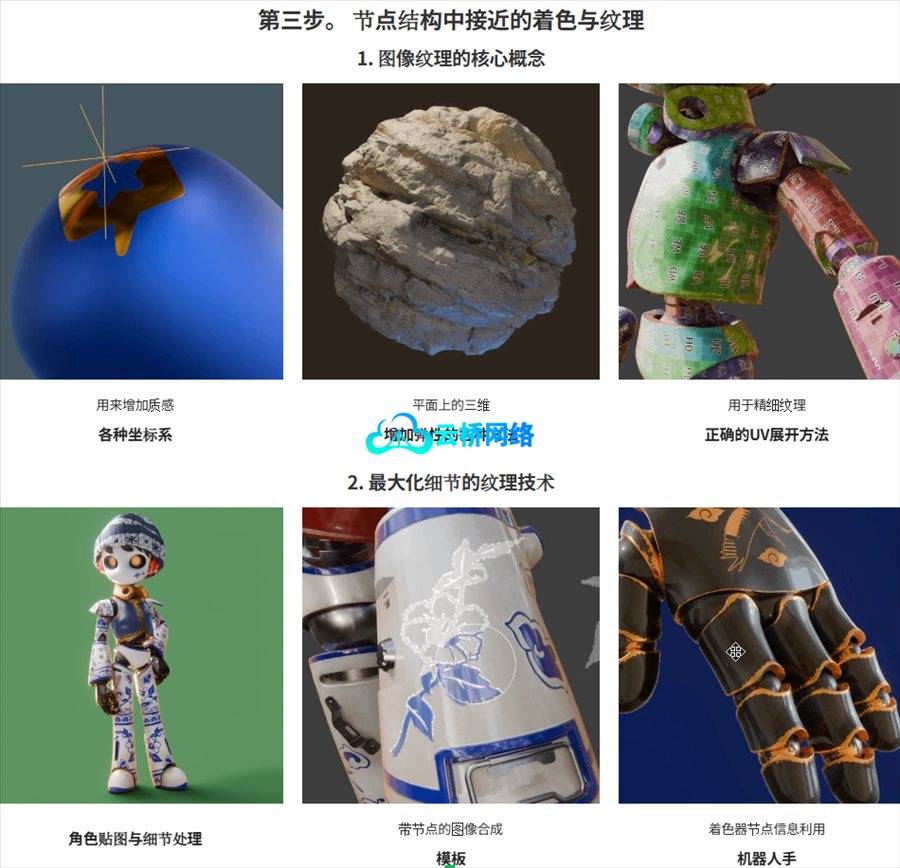
Modeling, Shading & Texturing to build the foundation for high-quality 3D art! Utilize all node structures, perfect precise texturing and shading, and freely expand your range of 3D expression. Through various modeling examples like SubD, Boolean, and Poly-by-poly, create your own unique forms.
A Cinematic Short Animation Completed in Blender with Your Own Hands
Character animation completed entirely in Blender! Learn the basic principles and essential skills of Geometry Nodes, mastering their application in animation. Understand both traditional animation production methods and procedural methods utilizing Geometry Nodes, and complete a cinematic short animation through examples.
Course Content
You will learn the following:
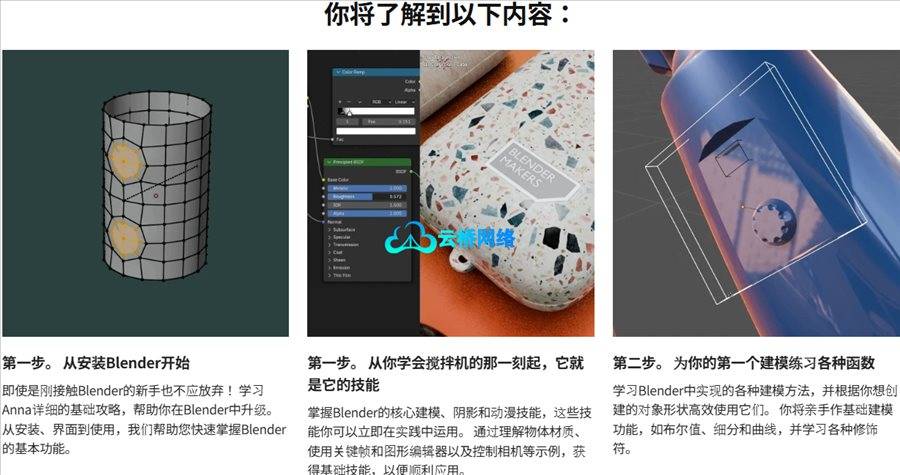
STEP 1. Starting from Installing Blender
Even complete beginners encountering Blender for the first time need not give up! Learn Anna’s detailed foundational guide that supports your Blender progression. From installation and interface to usage, we support you in quickly grasping Blender’s basic functions.
STEP 1. A Blender Skill Set You Can Use the Moment You Learn It
Acquire core Blender modeling, shading, and animation skills that can be immediately applied in practice. Through examples like understanding objects and materials, utilizing keyframes and the graph editor, and camera control, build the foundational strength to advance to application.
STEP 2. Practicing Various Functions for Your First Ever Modeling
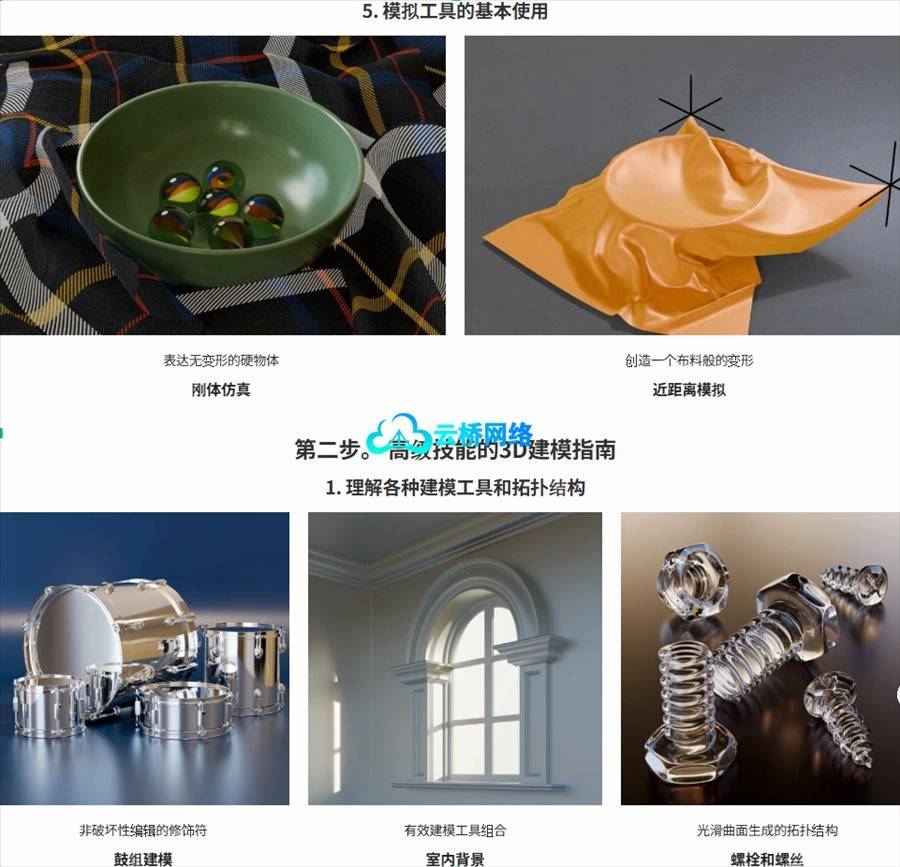
Learn various modeling implementations in Blender and use them efficiently according to the shape of the object you want to create. Practice basic modeling functions like Boolean, Subdivision, and Curve, and learn about various modifiers.
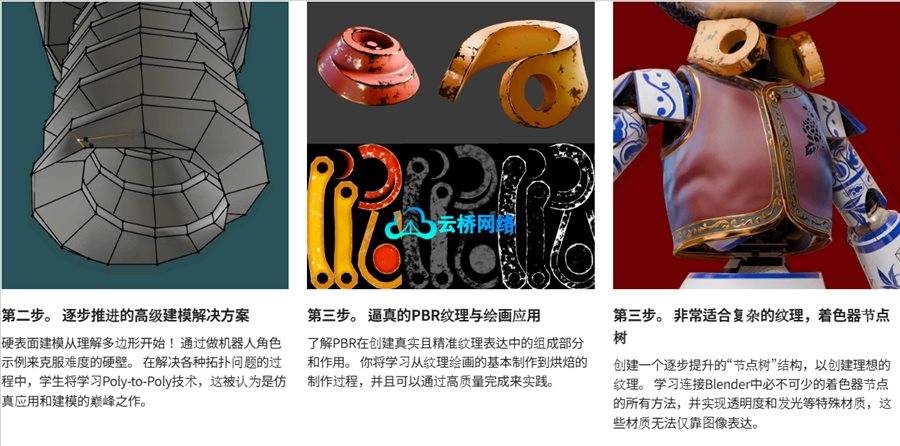
STEP 2. Step-by-Step Advanced Modeling Solutions
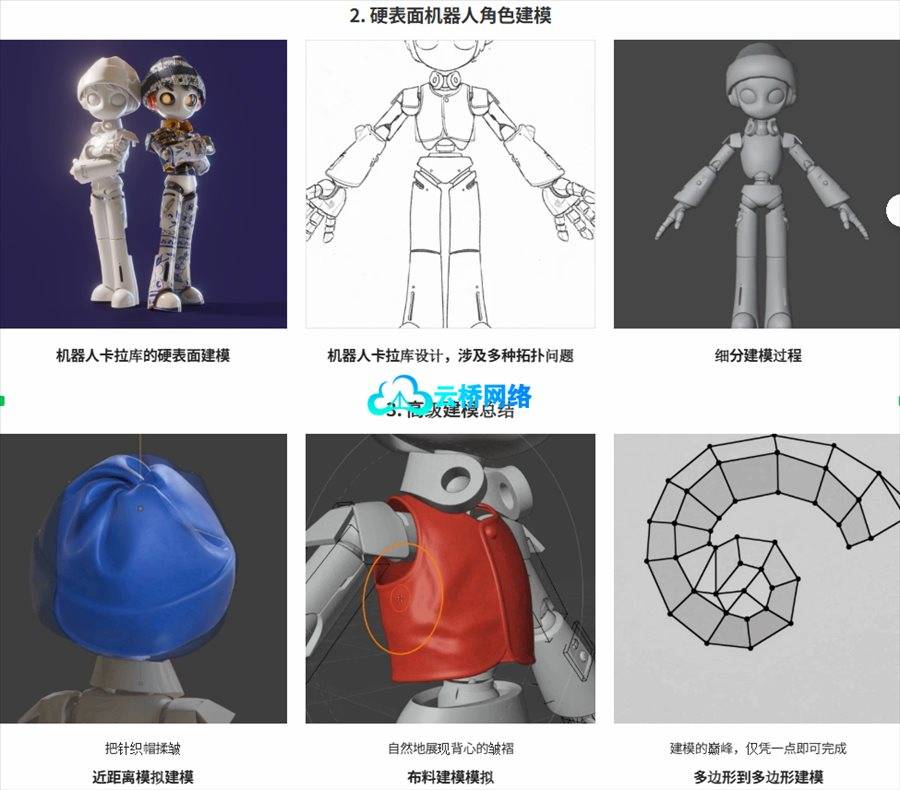
Hard-surface modeling starting from understanding polygons! Overcome the challenging wall of hard-surface modeling by working on a robot character example. While solving various topology problems, learn up to simulation utilization and the ultimate modeling technique, Poly to Poly.
STEP 3. Applying Realistic PBR Texturing and Painting
Learn about the components and roles of PBR that create realistic and precise texture expression. Learn the production process from the basic use of texture painting to baking, completing it with high quality so it can be used in practice.
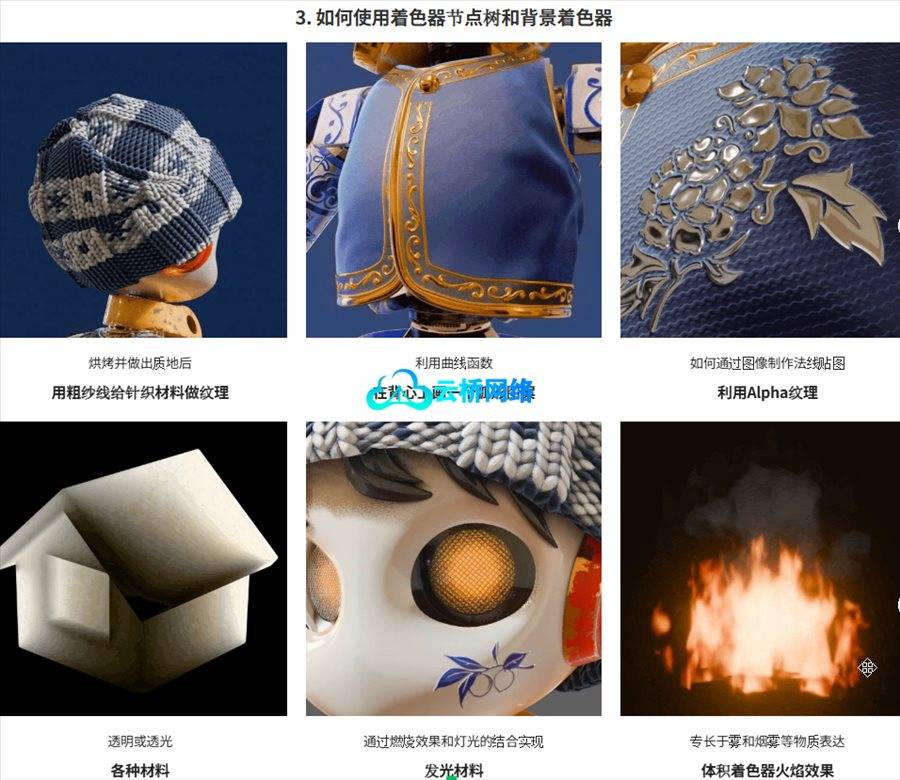
STEP 3. Shader Node Tree: Perfecting Even Complex Textures
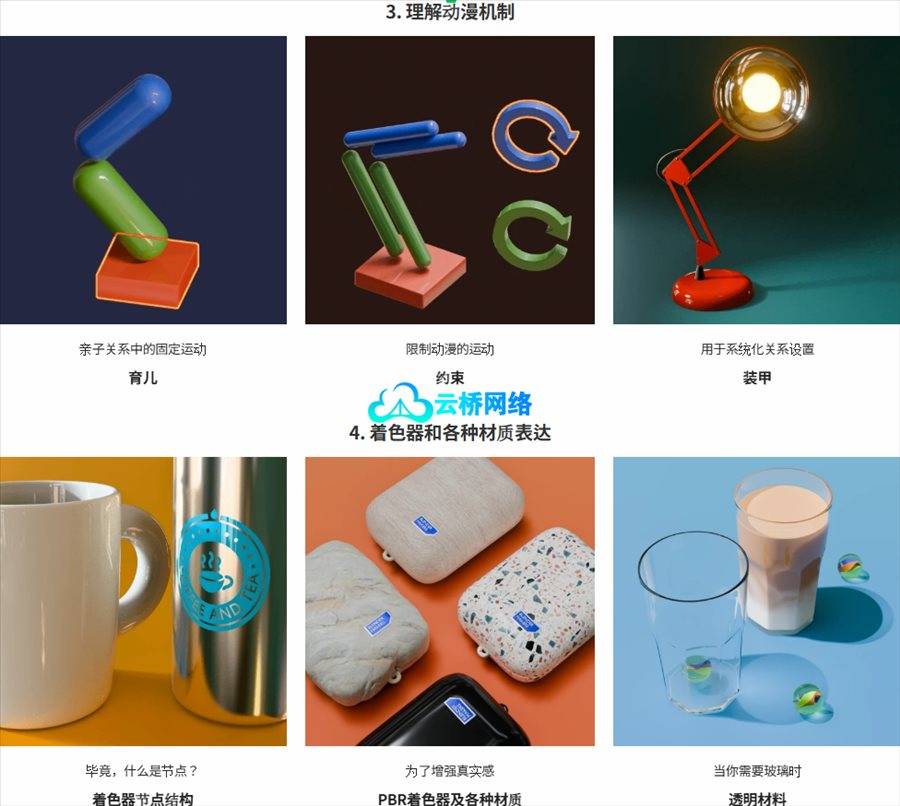
Build the “Node Tree” structure for leveling up to create your ideal texture. Learn every way to connect shader nodes, which are essential in Blender, and implement special materials like transparency and emission that cannot be expressed with images alone.
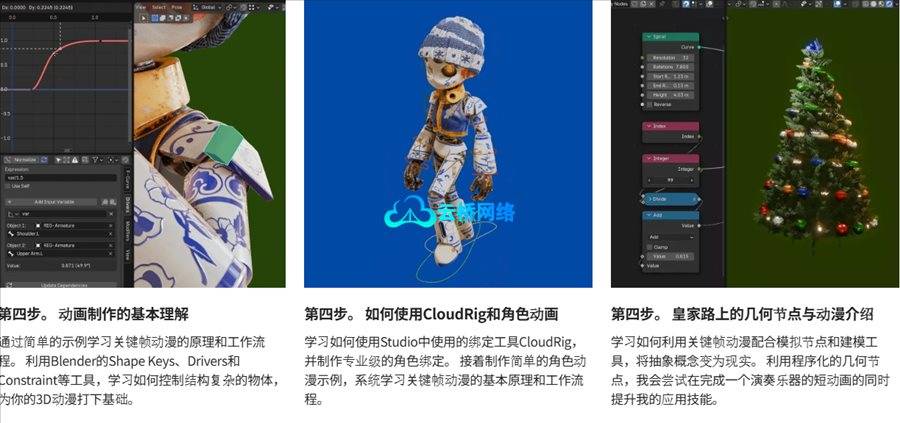
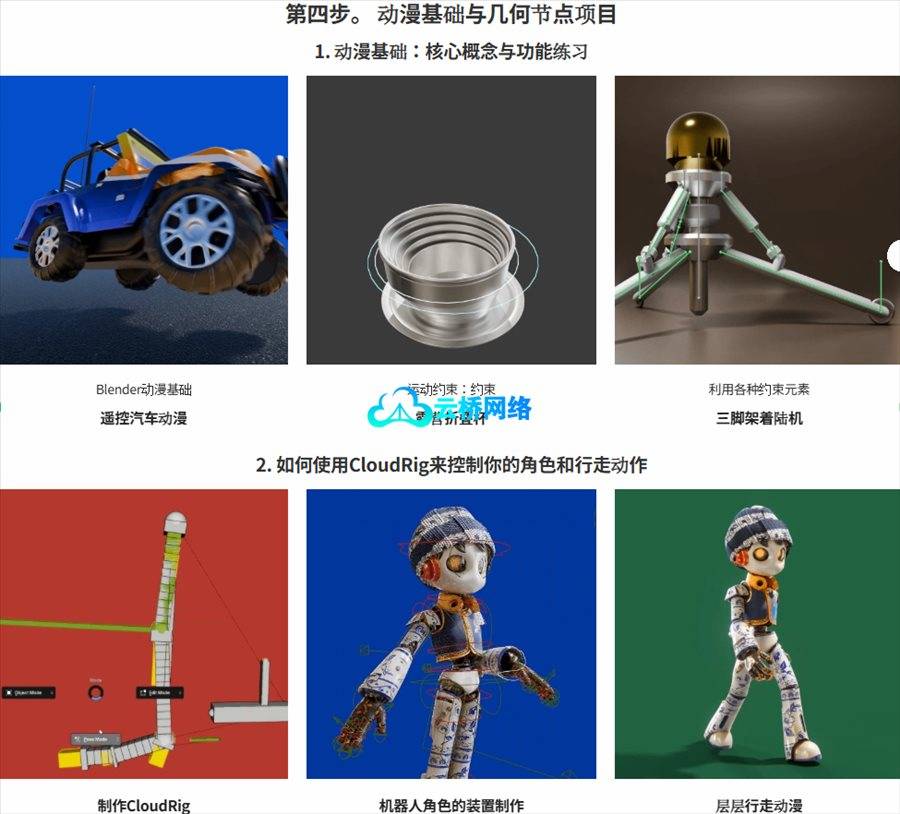
STEP 4. Foundational Understanding for Animation Production
Learn the principles and workflow of keyframe animation through simple examples. Learn how to control objects with complex structures using Blender tools like Shape Keys, Drivers, and Constraints, building the foundation for 3D animation.
STEP 4. Using CloudRig and Character Animation
Learn to utilize the rigging tool CloudRig, used in studios, and try creating a professional-level character rig. Following that, by creating a simple character animation example, systematically learn the basic principles and workflow of keyframe animation.
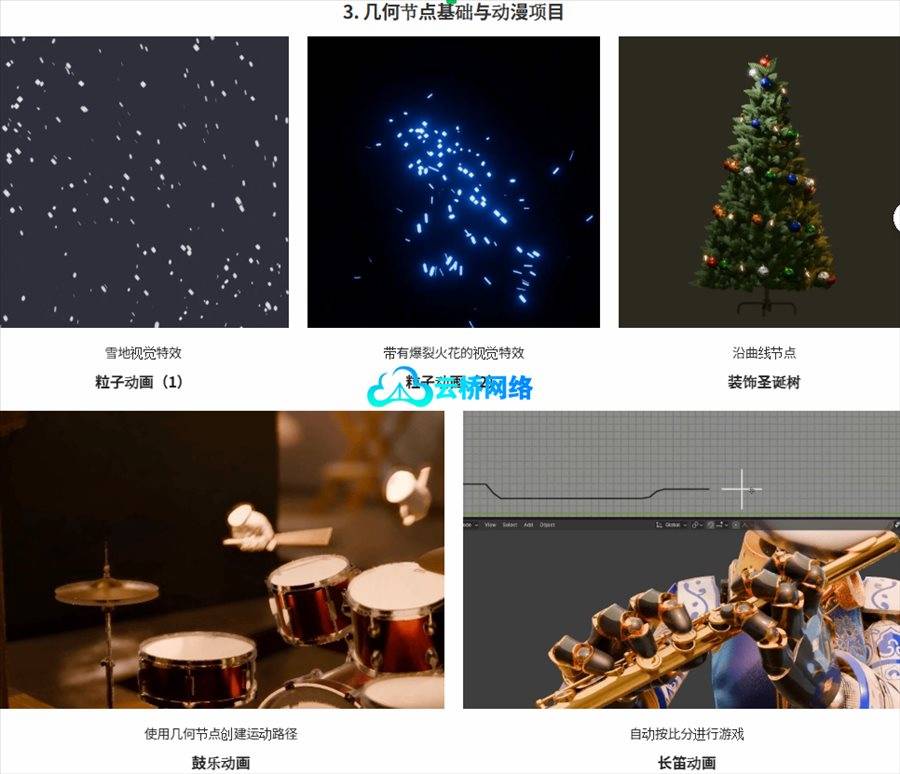
STEP 4. The Classic Introduction to Geometry Nodes and Animation

Learn how to materialize abstract ideas by combining keyframe animation, simulation nodes, and modeling tools. Strengthen your applied skills by completing a short animation of a playing musical instrument using the procedural power of Geometry Nodes.

1、VIP会员仅需30元全站资源免费下载!
2、资源默认为百度网盘链接,请用浏览器打开输入提取码不要有多余空格,如无法获取 请联系微信 yunqiaonet 补发。
3、分卷压缩包资源 需全部下载后解压第一个压缩包即可,下载过程不要强制中断 建议用winrar解压或360解压缩软件解压!
4、云桥网络平台所发布资源仅供用户自学自用,用户需以学习为目的,按需下载,严禁批量采集搬运共享资源等行为,望知悉!!!
5、云桥网络-CG数字艺术学习与资源分享平台,感谢您的赞赏与支持!平台所收取打赏费用仅作为平台服务器租赁及人员维护资金 费用不为素材本身费用,平台资源仅供用户学习观摩使用 请下载24小时内自行删除 如需商用请支持原版作者!请知悉并遵守!
6、For users outside China, If you do not have a Baidu Netdisk VIP account, please contact WeChat: yunqiaonet for assistance with logging into Baidu Netdisk to download resources..

评论(0)