
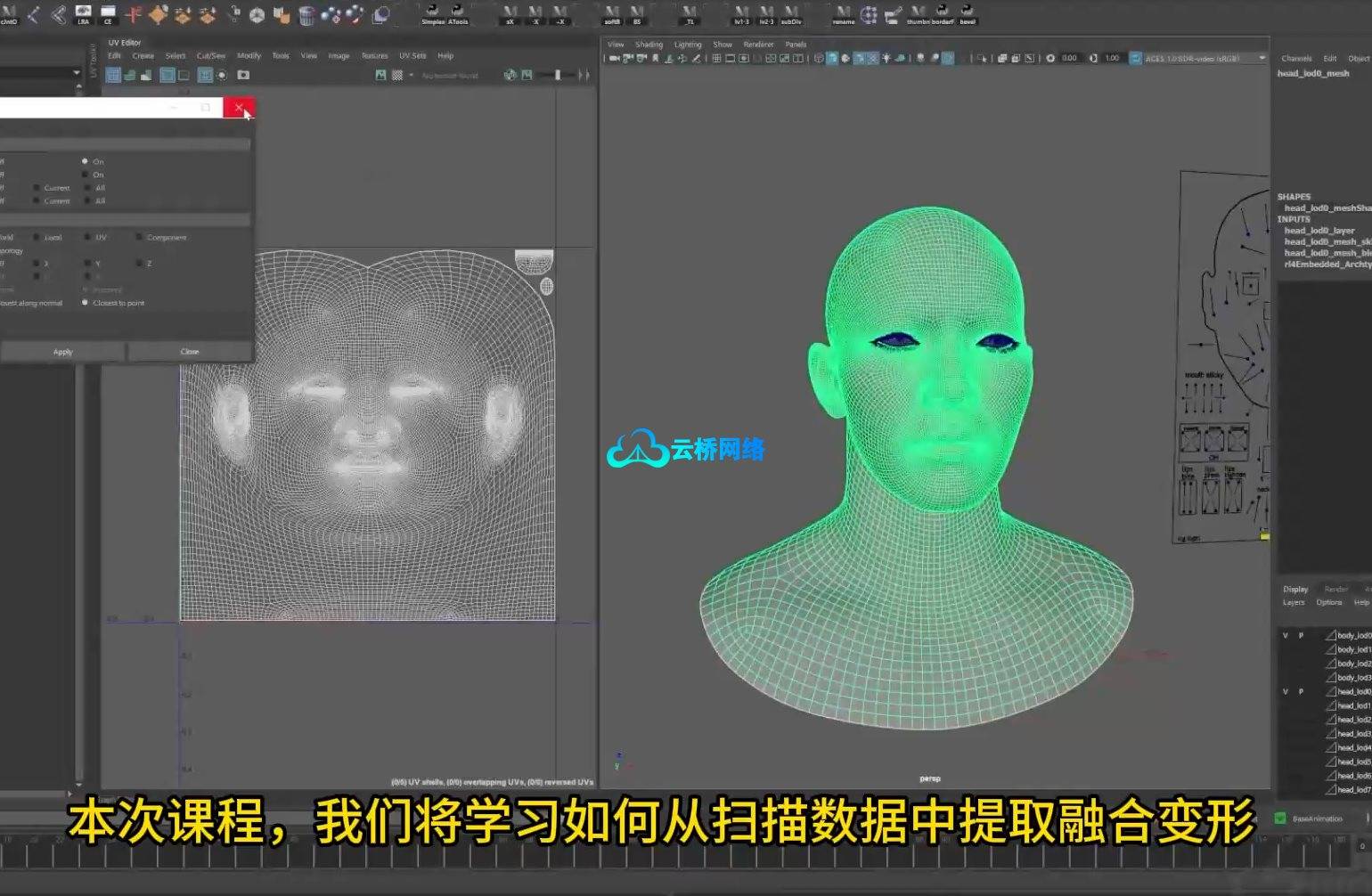
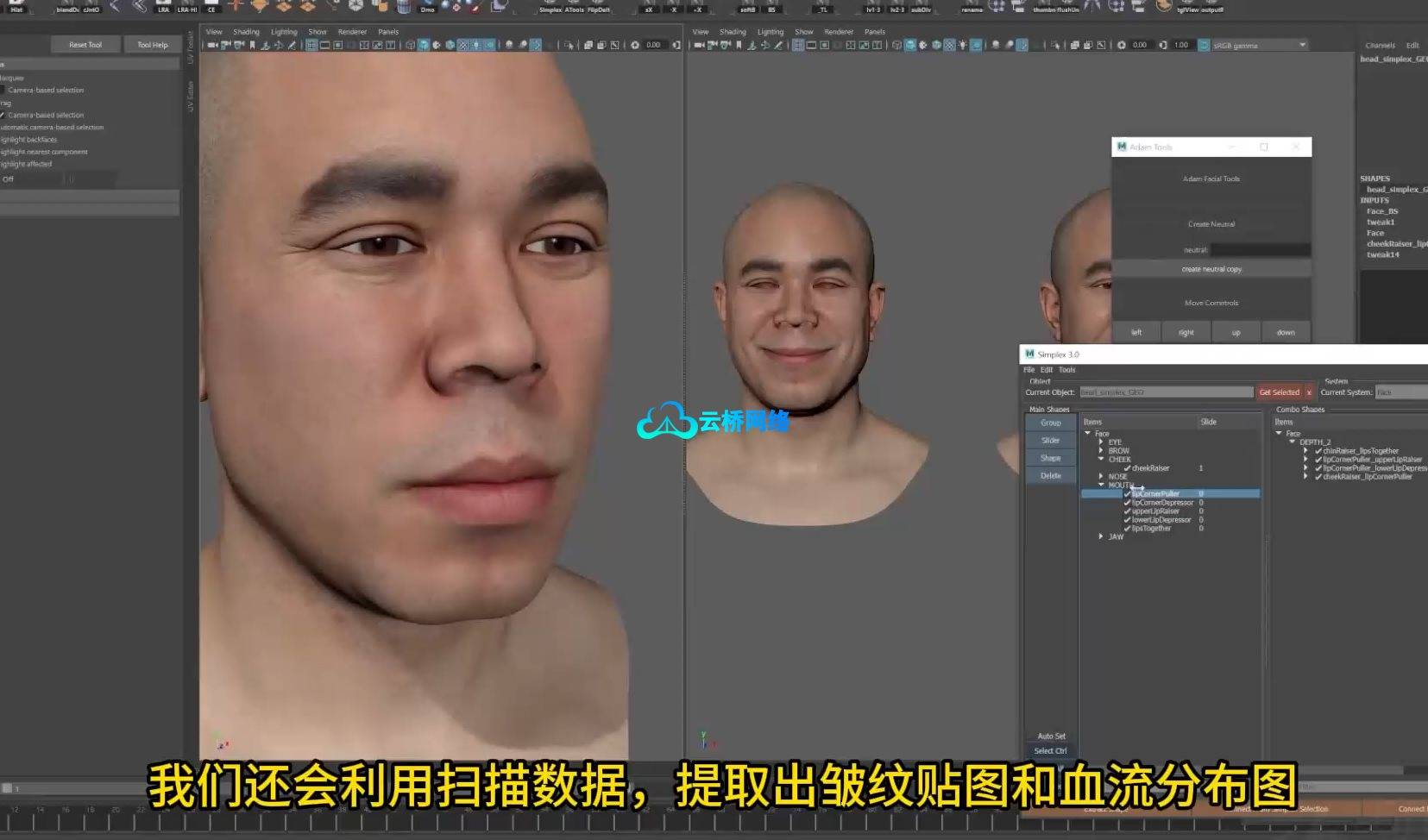
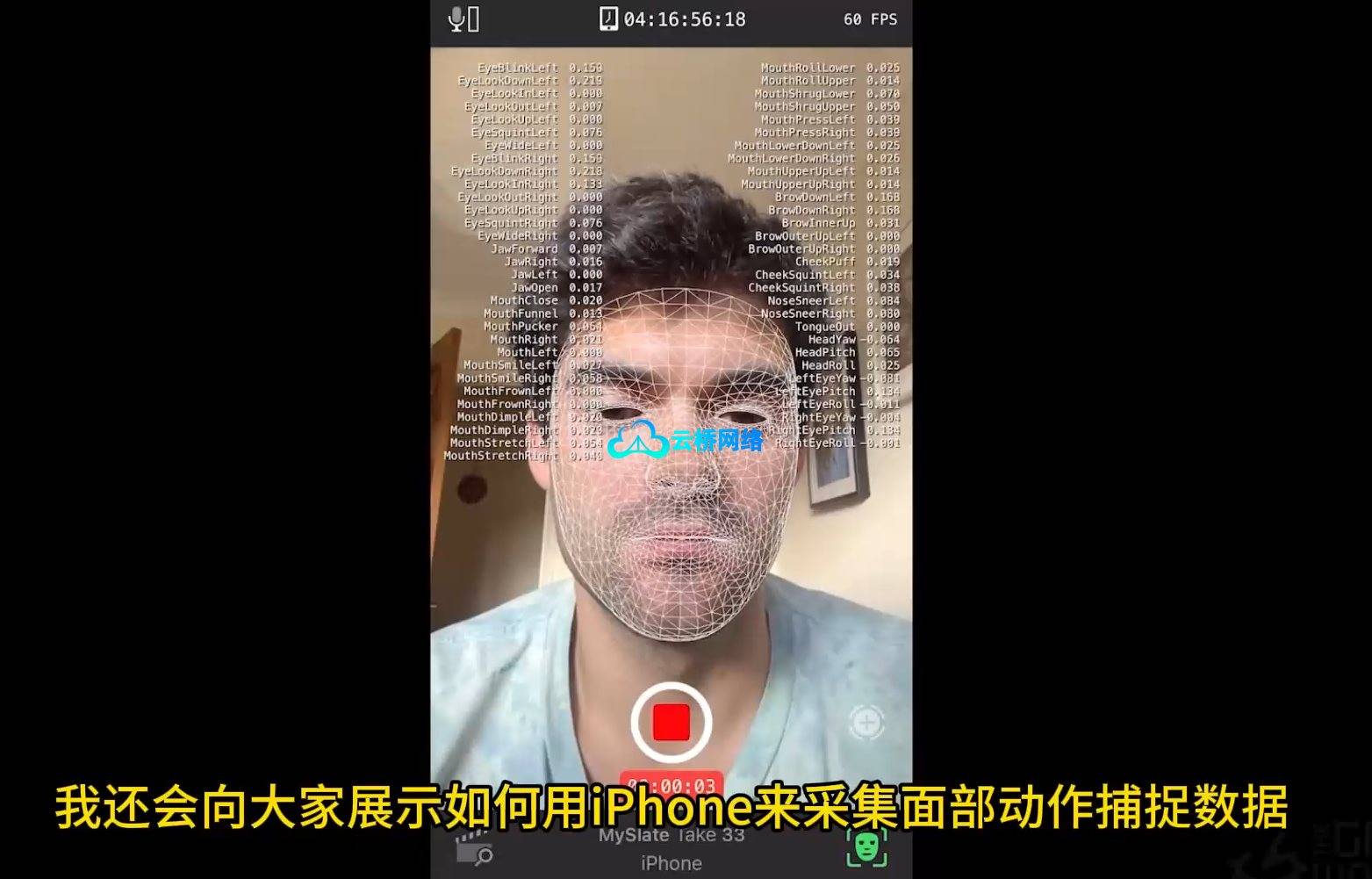
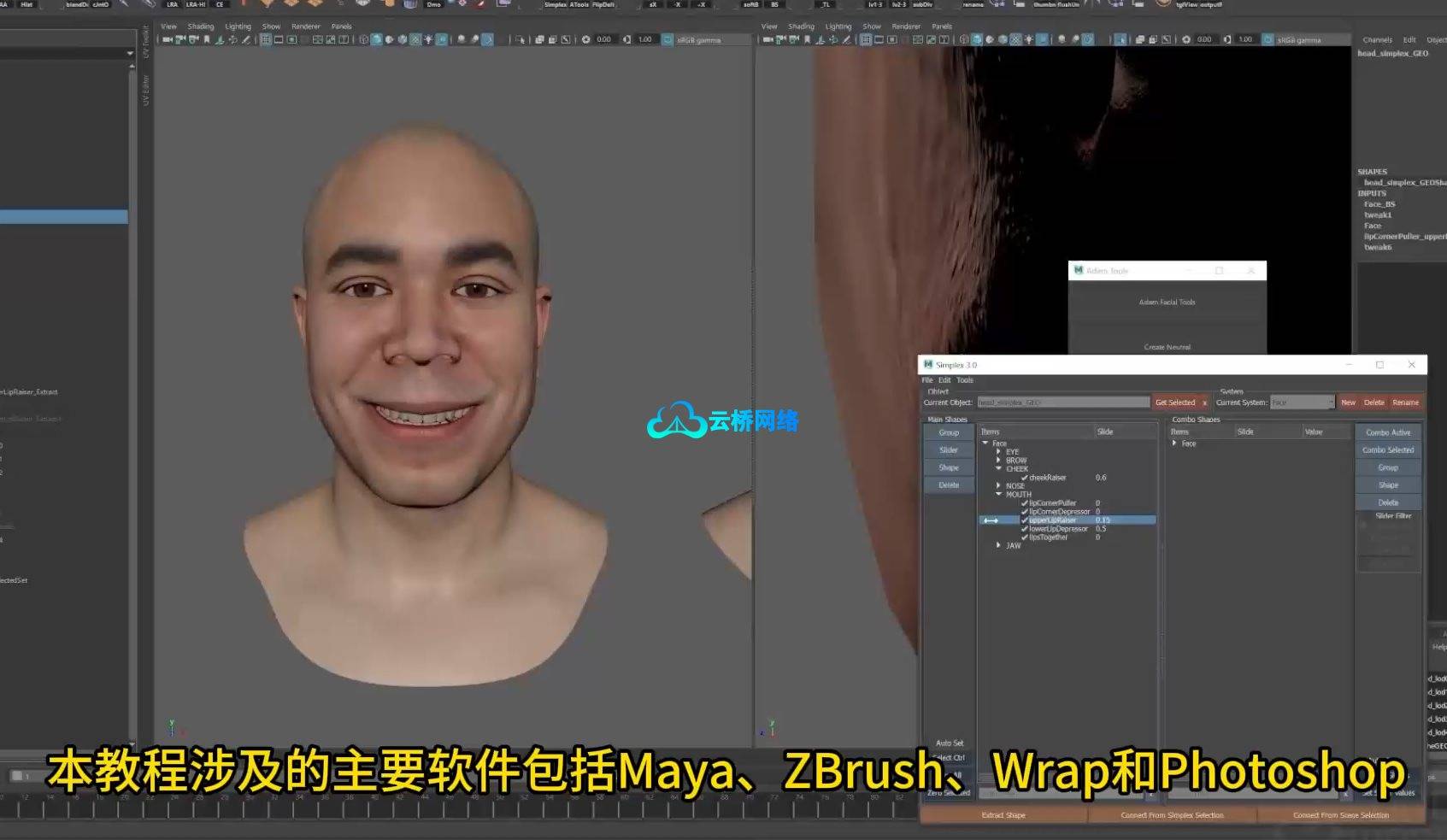
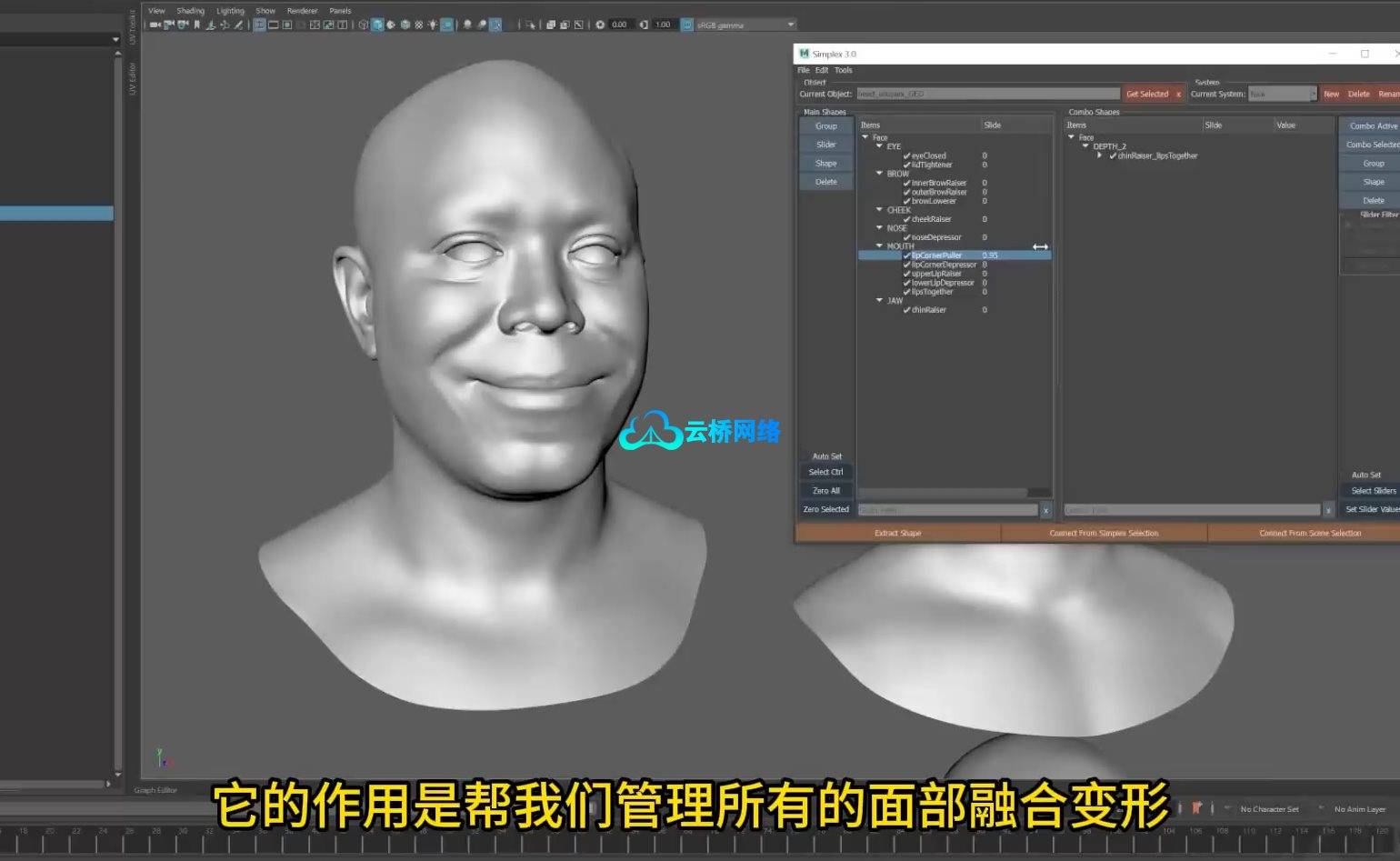
欢迎观看 Gnomon 工作室出品的《高级面部混合变形网络》教程。本教程由 Adam Spring 主讲,他将使用 Maya、ZBrush、Wrap 和 Photoshop,分享其在《使命召唤》、《爱、死亡与机器人》等众多电影及 AAA 游戏过场项目中所运用的高级技术。在长达 7 小时的课程中,您将学习如何从扫描数据中提取混合变形、将其组织为主要形变与组合形变,并利用数据生成皱纹与血流图以在 Maya 节点编辑器中构建动态着色器。课程还将简要演示如何通过 iPhone 与虚幻引擎的 LiveLink 应用捕获面部动作数据。教程主要软件涵盖 Maya、ZBrush、Wrap 和 Photoshop,并会使用免费的 Maya 插件 Simplex 来高效管理面部形变。Adam 提供了原始关键帧数据供练习,并建议艺术家使用自己的 FACS 扫描或参照模型以获得最佳学习效果。
课程时长:6小时46分钟 1920X1080 mp4 语言:中文朗读与字幕(Ai精译)+英语原声 含课程文件
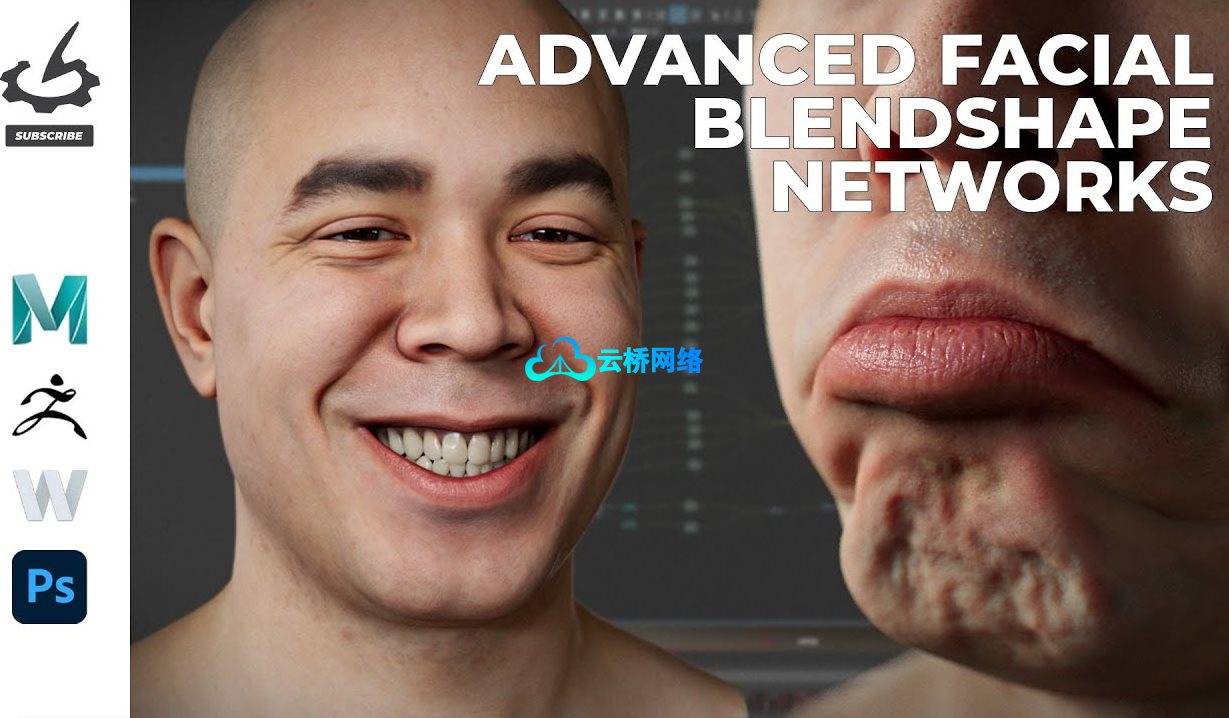
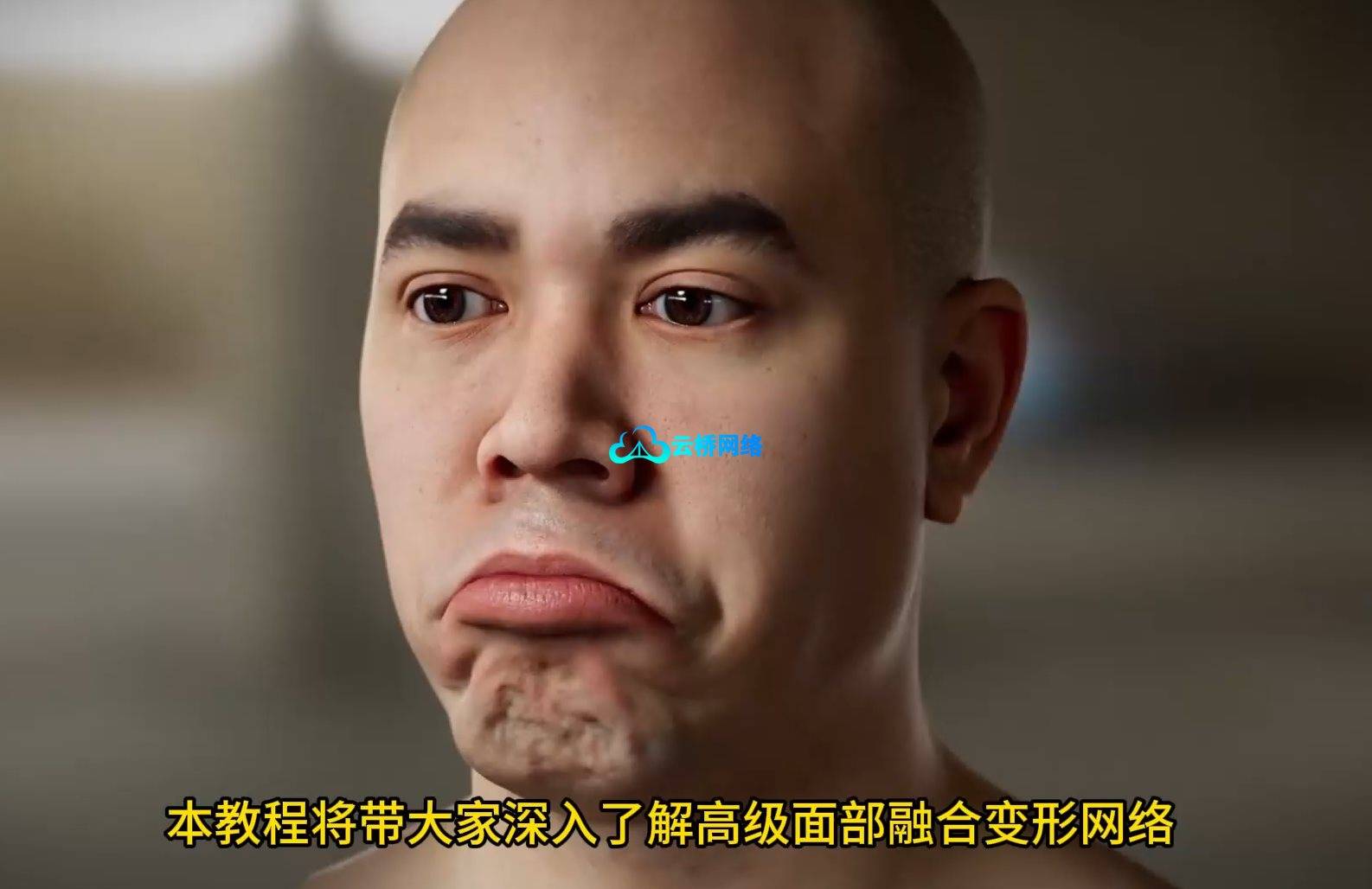
The Gnomon Workshop – Advanced Facial Blendshape Networks。Explore advanced facial blendshape networks with Adam Spring using Maya, ZBrush, Wrap, and Photoshop. The techniques demonstrated showcase the very methods Adam has utilized on numerous feature films and AAA game cinematic projects, including Call of Duty and Love, Death & Robots.
In this 7-hour workshop, artists will examine the extraction of blendshapes from scan data and learn how to organize them into primary and combination shapes. Adam will also demonstrate how to utilize the scan data to generate wrinkle and blood flow maps, which will then be used to construct the dynamic shader within the Maya node editor. He will also provide a brief demonstration of how to capture facial motion capture data on an iPhone using the Unreal Engine LiveLink app.
The main software covered in this workshop is Maya, ZBrush, Wrap, and Photoshop. Adam also uses the free Maya plugin, Simplex, which is helpful for organizing all of the facial blend shapes. With this workshop, Adam provides the raw key frame data in the project files for anyone who doesn’t have access to an iPhone.
The 3D Scan Store FACS set featured in this workshop is not currently available to the public; Adam recommends that artists use their own FACS scans or model from a reference to gain the most experience.
课程目录:
01 – 引言
02 – 准备中性模型
03 – Maya 中的形状转移工作流程
04 – Wrap 中的形状转移工作流程
05 – 为 Maya 安装 Simplex 插件
06 – 在 Maya 中设置形状网络
07 – 拆解微笑网络(第一部分)
08 – 拆解微笑网络(第二部分)
09 – 拆解微笑网络(第三部分)
10 – 拆解悲伤表情网络
11 – 使用 LiveLink 捕获面部动作捕捉数据
12 – 准备绑定与动作捕捉数据清理
13 – 动作捕捉数据清理
14 – 设置渲染场景
15 – 动态着色器准备
16 – 动态着色器设置
17 – 总结
1、成为会员获取资源更划算!
2、资源默认为百度网盘链接,请用浏览器打开输入提取码不要有多余空格,如无法获取 请联系微信 yunqiaonet 补发。
3、分卷压缩包资源 需全部下载后解压第一个压缩包即可,下载过程不要强制中断 建议用winrar解压或360解压缩软件解压!
4、云桥网络平台所发布资源仅供用户自学自用,用户需以学习为目的,按需下载,严禁批量采集搬运共享资源等行为,望知悉!!!
5、云桥网络-CG数字艺术学习与资源分享平台,感谢您的赞赏与支持!平台所收取打赏费用仅作为平台服务器租赁及人员维护资金 费用不为素材本身费用,平台资源仅供用户学习观摩使用 请下载24小时内自行删除 如需商用请支持原版作者!请知悉并遵守!
6、For users outside China, If you do not have a Baidu Netdisk VIP account, please contact WeChat: yunqiaonet for assistance with logging into Baidu Netdisk to download resources..

评论(0)