

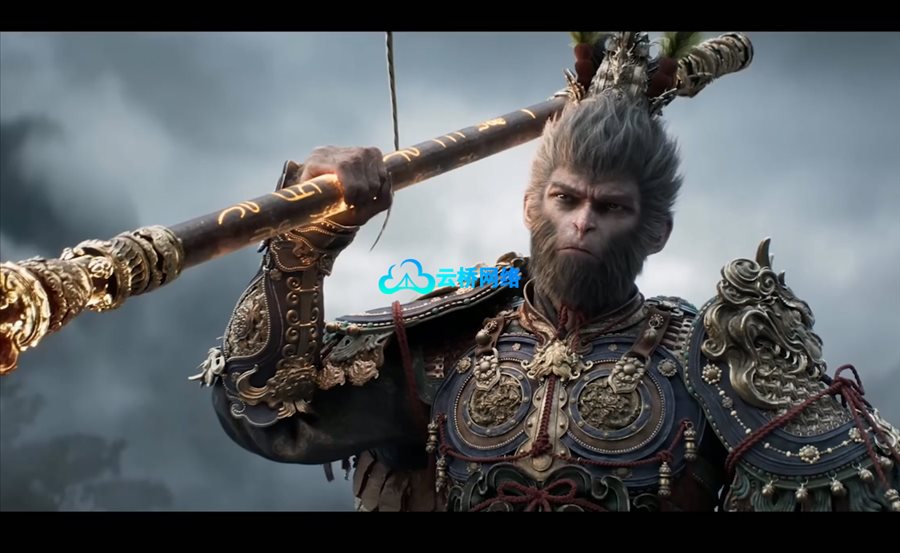
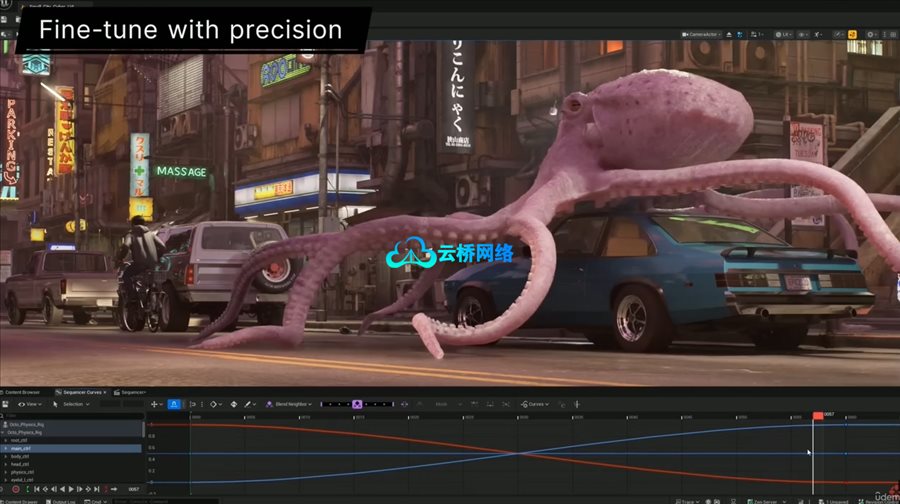
本课程专为希望掌握虚幻引擎5影视级过场动画制作的用户设计,系统讲解使用Sequencer、摄像机、光照及动画等工具,还原AAA游戏与预告片的真实制作流程。你将学习从镜头构图、角色动画、视觉特效到高质量渲染的全流程技能,并理解行业级管线思维。课程适合从游戏开发者到动画师的各类创作者,强调实战工作流而非基础操作,最终帮助你独立完成专业级过场动画与作品集项目。
课程时长:5.5小时 1920X1080 mp4 语言:英语+Ai中文字幕
课程目录:
1- 安装虚幻引擎
2- 首次渲染
3- 项目设置
4- 寻找3D模型
5- 导入3D模型
6- 设置材质
7- 蓝图(可视化脚本)
8- 关卡序列
9- 渲染预设
10- 参数调整
11- 添加示例环境
12- 动画布局/动画粗排
13- 导入星舰模型
14- 导入角色模型
15- 重定向与Mixamo
16- 导入Niagara动画微调
17- 玻璃材质调试
18- 创建级联特效与动画
19- 修复Niagara自发光问题
20- 添加摄像机抖动
21- 特效润色与调整
22- 影片渲染队列
23- 最终特效质量检查
24- 光照与最终调整
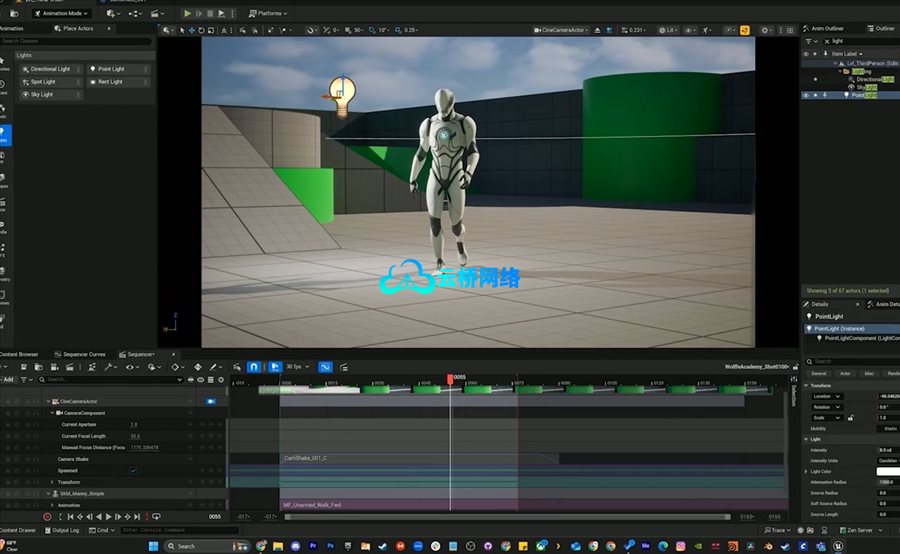
Unreal Engine 5: Master Cinematics, Sequencer & Animation
Learn Sequencer, camera, lighting, animation, and real-time workflows used in AAA game cinematics
If you’ve ever watched a high-end game trailer or cinematic and thought “how is this made?” — this course breaks it down step-by-step using real production workflows inside Unreal Engine 5.
This is not a beginner overview or a generic Unreal tutorial. You’ll learn how to create cinematic-quality sequences using the same tools and techniques used in AAA game production, marketing trailers, and real-time storytelling.
Whether you’re a game developer, cinematic artist, or content creator, this course is designed to help you go from basic Unreal knowledge to producing polished, professional-quality cinematics.
What You’ll Learn
Build and structure cinematic sequences using Sequencer
Design dynamic shots with cinematic cameras and camera rigs
Light scenes for mood, clarity, and visual impact
Animate characters and objects for storytelling
Create smooth, polished motion using real-time workflows
Capture and render high-quality cinematic shots
Understand how real-world AAA pipelines approach cinematics
Who This Course Is For
Unreal Engine users who want to specialize in cinematics
Game developers looking to create trailers or cutscenes
Artists transitioning into real-time cinematic workflows
Anyone interested in storytelling through Unreal Engine
Why This Course Is Different
Most Unreal courses focus on general tools or beginner workflows.
This course focuses specifically on cinematics, with an emphasis on:
Real production techniques
Practical workflows used in the industry
Creating content that actually looks polished and professional
You won’t just learn tools — you’ll learn how to think like a cinematic artist.
By the End of This Course
You’ll be able to create your own cinematic sequences, trailers, or cutscenes inside Unreal Engine 5 with confidence — and have a strong foundation to build a portfolio or professional work.
If your goal is to move beyond basic Unreal tutorials and start creating high-quality cinematic content, this course will give you the exact framework to do it.
此课程面向哪些人:
Beginner filmmakers, game developers, cinematographers, photographers, animators, and 3D artists to learn about Unreal Engine cinematics, animation, and sequencer.
What you’ll learn
Navigate the Unreal Engine interface and efficiently manage scenes, assets, and tools (Content Browser, World Outliner, Details Panel, and viewport controls).
Create and animate cinematic sequences using Unreal Engine’s Sequencer, including camera movement, keyframing, depth of field, and timing.
Import, organize, and apply 3D models, materials, and environments to build a polished cinematic scene.
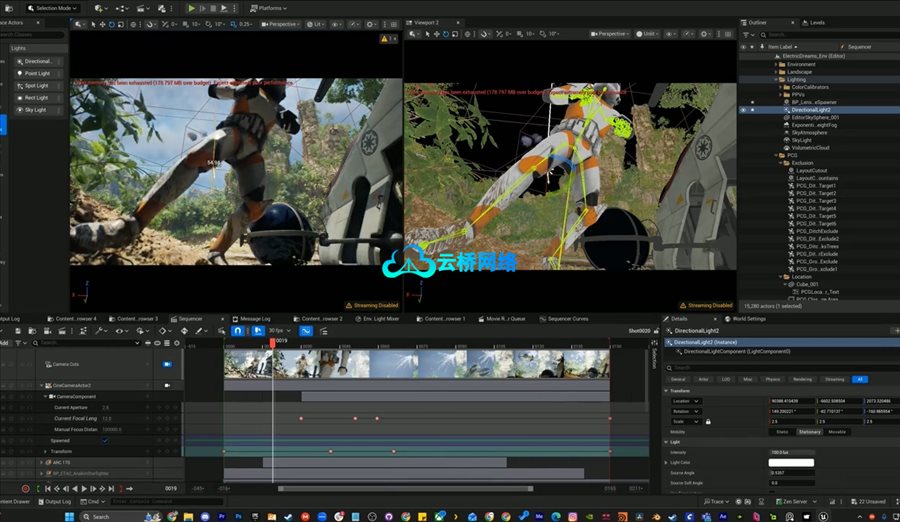
Light and compose cinematic shots using Unreal Engine lighting tools, including directional lighting, HDRIs, and atmospheric effects like volumetric fog.
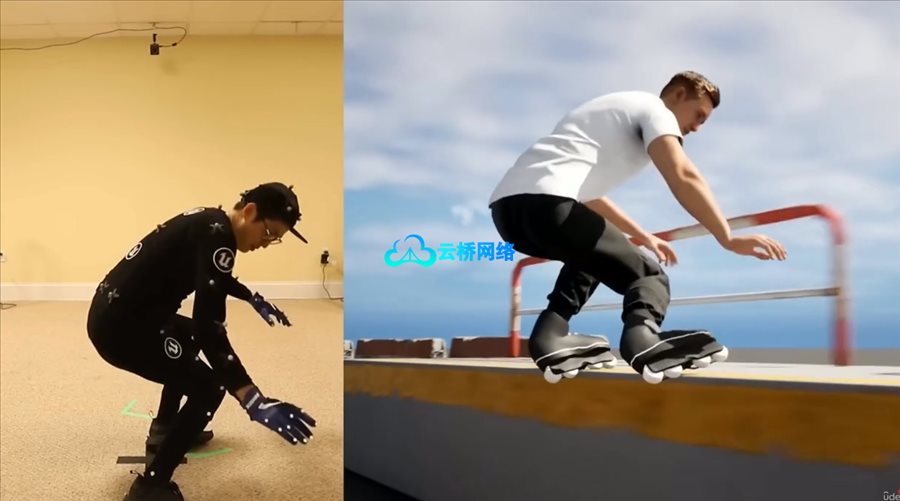
Animate characters, vehicles, and objects using keyframes, skeletal meshes, and animation assets within Sequencer.
Build a complete cinematic scene from scratch, combining environment design, animation, camera work, and visual effects into a cohesive sequence.
Integrate visual effects (VFX) such as explosions, lasers, and particle systems using Niagara and external asset packs.
Apply cinematic principles such as shot composition, camera blocking, and storytelling to create engaging, professional-quality visuals.
Render high-quality final outputs using Unreal Engine’s Movie Render Queue, optimizing settings for resolution, compression, and performance.
Understand and apply Blueprint fundamentals to add simple interactive or reactive elements to cinematic scenes.
1、VIP会员仅需30元全站资源免费下载!
2、资源默认为百度网盘链接,请用浏览器打开输入提取码不要有多余空格,如无法获取 请联系微信 yunqiaonet 补发。
3、分卷压缩包资源 需全部下载后解压第一个压缩包即可,下载过程不要强制中断 建议用winrar解压或360解压缩软件解压!
4、云桥网络平台所发布资源仅供用户自学自用,用户需以学习为目的,按需下载,严禁批量采集搬运共享资源等行为,望知悉!!!
5、云桥网络-CG数字艺术学习与资源分享平台,感谢您的赞赏与支持!平台所收取打赏费用仅作为平台服务器租赁及人员维护资金 费用不为素材本身费用,平台资源仅供用户学习观摩使用 请下载24小时内自行删除 如需商用请支持原版作者!请知悉并遵守!
6、For users outside China, If you do not have a Baidu Netdisk VIP account, please contact WeChat: yunqiaonet for assistance with logging into Baidu Netdisk to download resources..

评论(0)